
How can I opt out of your newsletter?Updated 9 months ago
To unsubscribe from our newsletter, please follow these general instructions:
- Locate the email you received from us in your email inbox.
- Open the email and scroll down to the bottom of the message.
- Look for an "unsubscribe" button located at the bottom of the email.
- Click on unsubscribe. It will redirect you to an unsubscribe webpage.
- On the unsubscribe webpage, confirm your unsubscribe request by clicking the button.
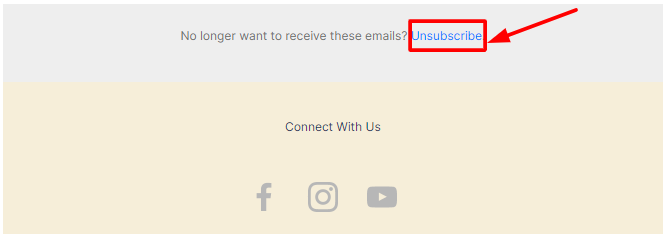
This is the easiest and best way to ensure you no longer receive emails from us.
Once we remove you from our list, you will no longer get notifications of any new promotions or pre-order updates for particular products.
If you want to subscribe again later, simply sign up for our newsletter using your email address.